Download Alight Motion MOD APK Old Versions for Android
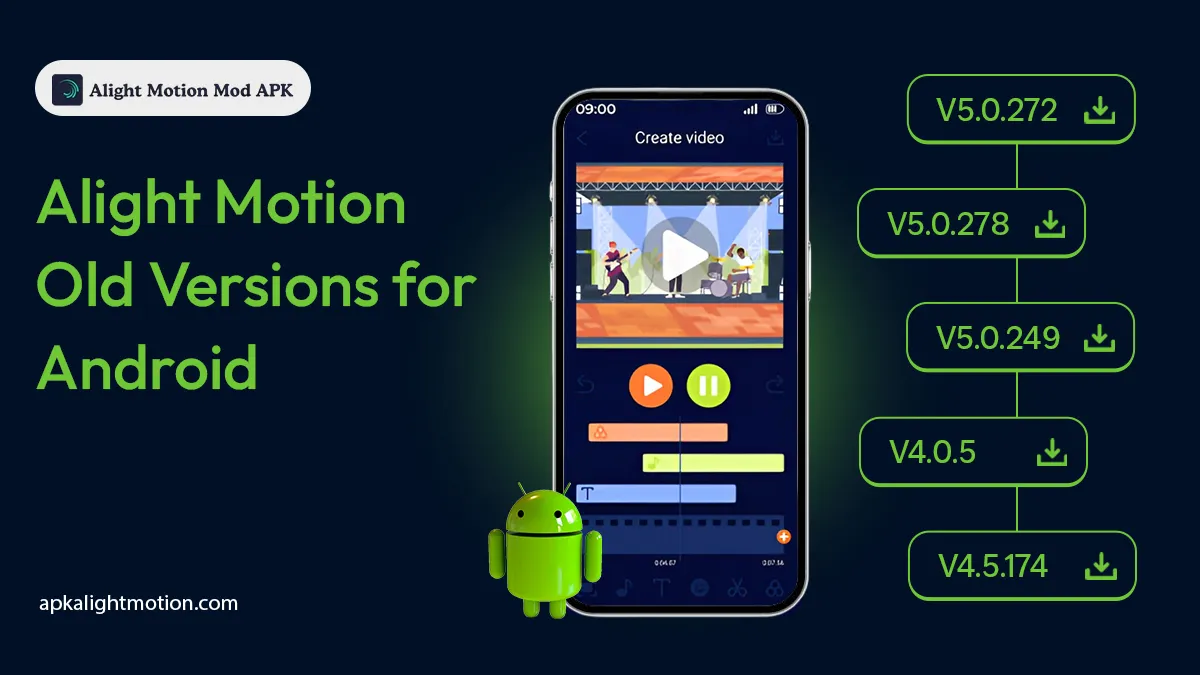
Need an older Alight Motion version because the latest update is slow, crashes on your phone, or no longer supports your device properly? This archive helps you compare and download previous Alight Motion MOD APK versions, including v5.0.249 and earlier 4.x releases.
Each version may differ in Android compatibility, available features, stability, and project support. Check the version information carefully and back up your existing projects before installing another build.
|
Version |
File Size |
Series |
Status |
Download |
|---|---|---|---|---|
|
v5.0.278 |
106.02 MB |
5.x |
Available |
|
|
v5.0.272 |
106.56 MB |
5.x |
Available |
|
|
v5.0.260 |
153.96 MB |
5.x |
Available |
|
|
v5.0.259 |
154.23 MB |
5.x |
Available |
|
|
v5.0.249 |
101.12 MB |
5.x |
Available |
|
|
v4.5.174 |
19.98 MB |
4.x |
Available |
|
|
v4.0.5 |
93.58 MB |
4.x |
Available |
|
|
v4.0.0 |
139.86 MB |
4.x |
Available |
Available Alight Motion MOD APK Old Versions
Alight Motion 5.x Old Versions
The Alight Motion 5.x archive includes versions v5.0.249, v5.0.259, v5.0.260, v5.0.272, and v5.0.278. These versions belong to the same release series, but their file sizes and available features may differ. Check the version table above and select the exact build required for your device or project.
Alight Motion 4.x Old Versions
The available Alight Motion 4.x builds include v4.0.0, v4.0.5, and v4.5.174. These releases use an earlier app interface and may not support every feature or project created with a newer version. Review the file information in the table before downloading.
What Is an Alight Motion Old Version?
An Alight Motion old version is an earlier release of the app that was available before the current version. Some people look for these builds because a newer update may not work well on their device, may change the interface, or may create problems with an existing editing workflow.
An older version is not automatically better or faster. Its performance depends on the Android version, available storage, device memory, processor, project size, and effects being used. Some archived files may also be unofficial modified builds, so users should review the file details and understand the possible security and compatibility risks before installation.
Why Do Users Download Older Alight Motion Versions?
Compatibility With An Existing Device
A recent app update may require a newer Android version or more device resources. Users with older phones sometimes test an earlier release when the current version becomes difficult to open or use.
However, installing the oldest available version is not always the right solution. Users should compare the Android requirement and test the selected build with a small project first.
A Familiar Editing Interface
Updates can change menus, controls, effects, and the overall editing process. Some editors prefer an interface they already understand, especially when they are completing an older project or following a tutorial created with a previous release.
A Specific Version Requirement
A user may need a particular release because of an existing project, preset, template, plugin, or workflow. Choosing the exact required version can be more useful than downloading a random old build.
Performance problems can also be caused by storage, preview quality, background apps, or heavy effects. Read our guide on why Alight Motion is laggy before changing versions.
Features Available In Many Older Alight Motion Versions
The exact feature set changes from one release to another, but many Alight Motion old versions include the main editing tools needed for mobile video and motion graphics projects.
Here’s what you will always find in the Mod APK versions:
Unlocked Premium Tools
Old mod versions usually come with features that are normally behind a subscription. This includes advanced effects, extra fonts, templates, and export options.
Ad‑Free and No Watermark
One of the biggest advantages is that you can edit and export videos without seeing adverts and without leaving a watermark on your final video, making your work look more professional.
Unlimited Fonts and Assets
Instead of being limited to a small set of free fonts, older mod versions often include thousands of fonts. You can also import your own custom fonts, giving your text animations a unique look.
Multi‑Layer Editing
You can stack video, image, audio, and text layers on top of each other. This is crucial when you want to combine motion graphics, background music, and text effects all in one project.
Vector and Bitmap Support
Older versions already support both vector and bitmap editing. Vector graphics stay sharp at any scale, which is great for logos and animated shapes.
Basic Motion Graphics and Keyframes
You can animate elements using keyframes. That means controlling movement, opacity, and scale over time for smoother animations.
Offline Editing
Most modded older versions let you edit completely offline, which is perfect if you don’t want interruptions or if you’re editing on the go.
Export in HD Quality
Even though they’re old versions, many still support exporting in 1080p and up to 4K quality. This is essential if you plan to share your work on YouTube, TikTok, or Instagram.
Some features, effects, export options, and project formats may not work the same way in every version. Check the selected release before starting an important project.
Beginners can read our complete guide on how to use Alight Motion. Users who want to understand blur, glow, shake, color, and other tools can also explore our Alight Motion effects guide.
How To Choose The Right Old Version For Your Device
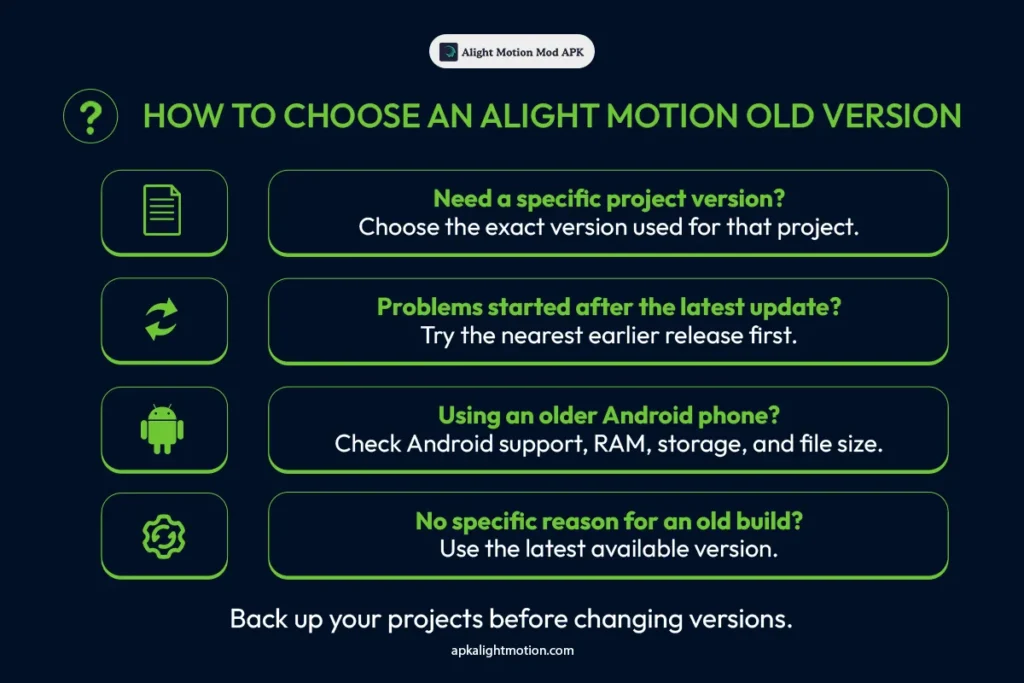
Start by identifying why you need an older version. If the latest release started causing problems after an update, select the nearest earlier version rather than immediately choosing the oldest file.
If you need to open an existing project, try to use the same version that was originally used to create or edit it. Moving a project between very different releases may cause missing effects, changed fonts, unsupported elements, or loading problems.
Also check the following before downloading:
There is no single old version that works best for every device. Testing a small project is the safest way to judge performance before moving important work.
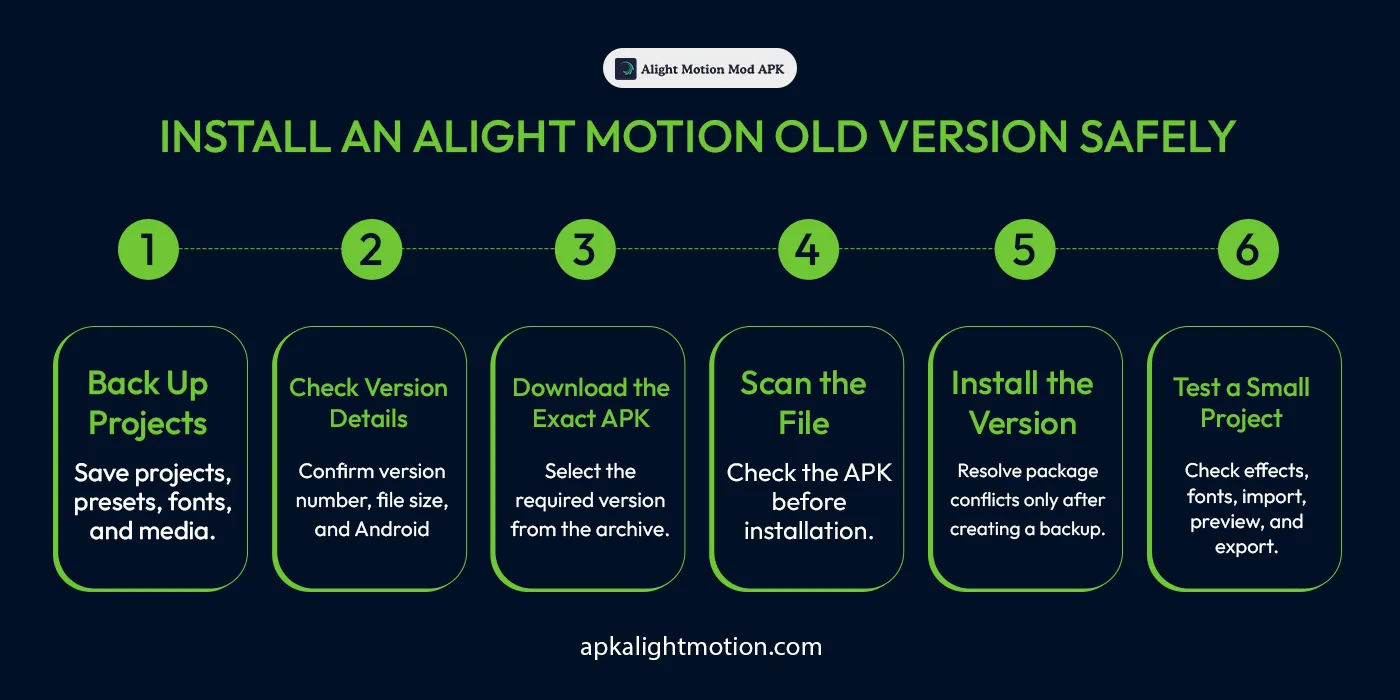
How To Install An Older Alight Motion Version Safely
If you decide to use an older modded APK, there are a few things to keep in mind:
Common Problems With Alight Motion Old Versions
App Not Installed
This can happen when another version uses a different signature, the APK is incomplete, or the Android system does not support the selected release. Back up your work before removing an existing installation.
Problem Parsing The Package
A parsing error may appear when the file is corrupted, incomplete, or incompatible with the Android version. Download the file again and confirm its requirements.
Projects Do Not Open
A project created with a newer release may use features that an old version does not recognize. Keep an exported copy and the original project backup before moving between versions.
App Crashes Or Freezes
Limited RAM, low storage, heavy effects, too many active layers, or an incompatible build can cause crashes. Closing background apps, reducing preview quality, freeing storage, and testing a smaller project may help identify the cause.
Effects Or Fonts Are Missing
Older releases may not include every effect, font, preset, or editing option found in the current version. Check the required tools before selecting a build for an existing project.
Alight Motion Old Version vs Latest Version
|
Comparison |
Old Version |
Latest Version |
|---|---|---|
|
Interface |
Uses an earlier layout |
Uses the current layout |
|
Features |
Contains tools available in that release |
Includes newer tools and changes |
|
Device Support |
May support some older devices |
Usually developed for current devices |
|
Security Updates |
May no longer receive updates |
More likely to receive current fixes |
|
Project Support |
May not open newer projects correctly |
Better suited to newer projects |
|
Stability |
Depends on the device and build |
Depends on the device and current release |
|
Official Support |
May be limited or unavailable |
More likely to receive official support |
Older versions can help when a particular release is required, but they may contain outdated components, missing effects, compatibility problems, or security risks. Users without a specific reason to install an earlier build should normally use the current version.
Frequently Asked Questions
Final Thoughts
An Alight Motion MOD APK old version can be useful when you need a specific interface, project setup, or earlier release for your Android device. However, older does not always mean faster, safer, or more compatible.
Compare the available versions, check the verified file details, and back up your projects before installation. Test the selected version with a small project before using it for important editing work.
Users who do not need an archived release can download the latest Alight Motion MOD APK and access the most current version available on the website.