How to Add Stylish Hindi Fonts in Alight Motion? Complete Guide for Beginners
Creating engaging videos on mobile can be a lot more fun when you use stylish and readable fonts. If you are someone who loves making Reels, Shorts, or social media videos, adding Hindi fonts in Alight Motion can instantly give your content a professional and culturally rich touch. Whether you are editing motivational videos, memes,…
Creating engaging videos on mobile can be a lot more fun when you use stylish and readable fonts. If you are someone who loves making Reels, Shorts, or social media videos, adding Hindi fonts in Alight Motion can instantly give your content a professional and culturally rich touch. Whether you are editing motivational videos, memes, or short clips, Hindi text can connect with your audience more personally while making your videos visually appealing.
In this guide, we will explore everything you need to know about using Hindi fonts in Alight Motion, from downloading the fonts to animating and exporting your final video. Even if you are completely new to video editing, these steps will make it easy to follow and implement.
Step-by-Step Process to Use Hindi Fonts in Alight Motion
Adding Hindi fonts in Alight Motion is not difficult, but it requires a few clear steps. By following this process, you can ensure your text looks stylish, readable, and matches the mood of your video.
Download and Install Hindi Fonts
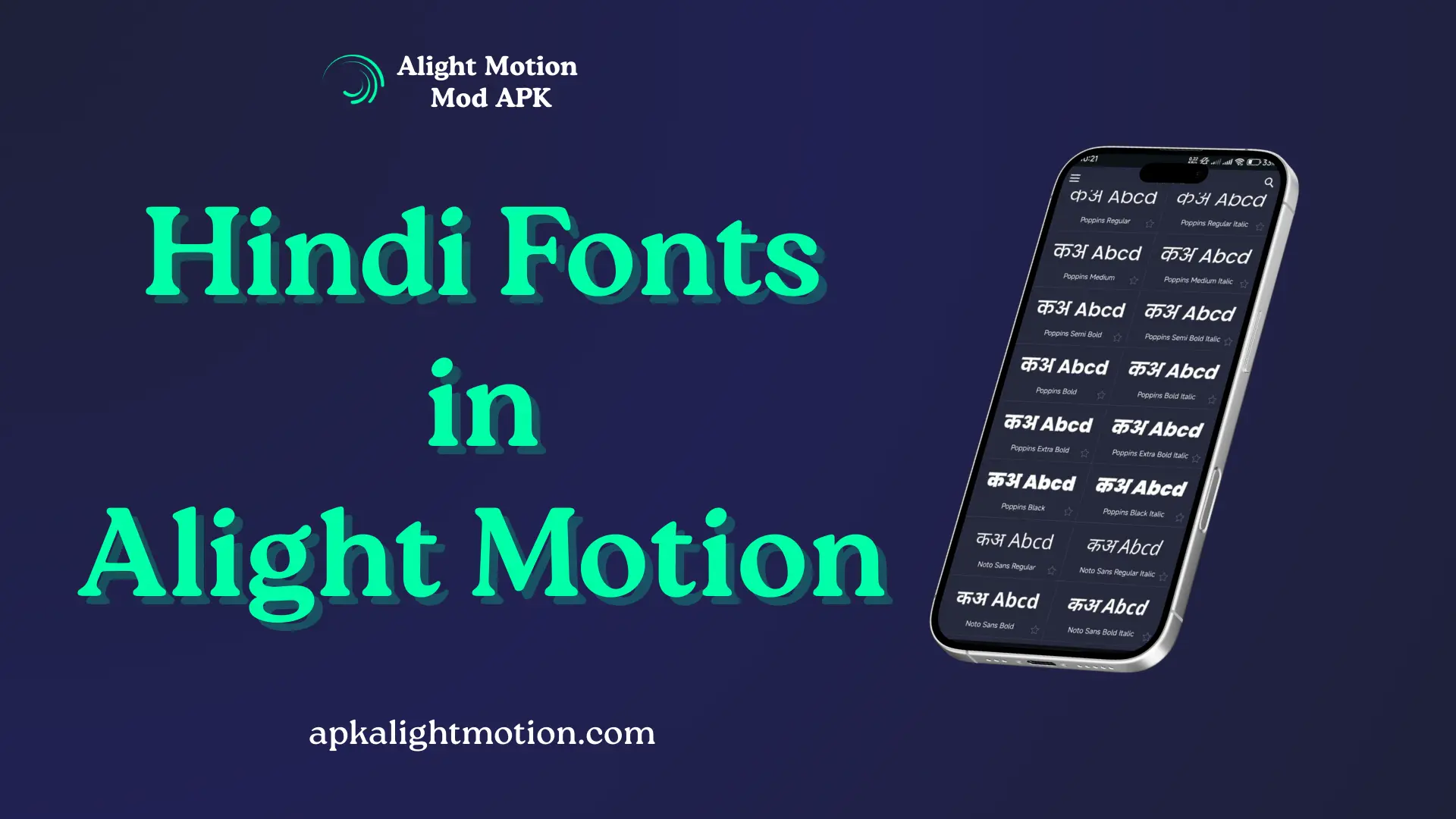
The first step is to get the right Hindi fonts for your video projects. Devanagari fonts, which are used for Hindi, are widely available and free to download. Fonts like Kokila, Mangal, and Samarkan work beautifully in videos and give a modern or traditional look depending on your choice.
After downloading the fonts on your device, you need to install them so Alight Motion can access them. On Android, this usually means moving the font file to the Fonts folder or using a font installer app. On iOS, you may need to use a font management app to make the fonts available system-wide. Once installed, these fonts become ready to use in Alight Motion or any other text-based app.
Enable Hindi Fonts in Alight Motion
Once your fonts are installed, the next step is to make sure Alight Motion can use them. Open the app and go to the text tool. When you create a new text layer, you will see the option to select your installed fonts. Look for the Hindi font you just installed, select it, and apply it to your text layer.
Enabling Hindi fonts is easy, but make sure you restart Alight Motion after installing the fonts. Sometimes, newly installed fonts don’t appear until the app refreshes its font library. This ensures you have all options available when designing your text.
Add Hindi Texts to Your Video Clip
Now that your fonts are ready, it is time to add text to your video. Tap the text tool and type your content in Hindi using your installed font. Many mobile devices support typing in Hindi using a keyboard app like Gboard, which allows you to switch easily between languages.
Position your text carefully on the video clip so that it doesn’t block important visuals. You can also adjust size, color, and style to match your video’s theme. Using Hindi fonts creatively can enhance the overall storytelling and make your message more relatable to your audience.
Animate Your Text Layers
One of the most powerful features of Alight Motion is text animation. You can make your Hindi texts appear dynamically, slide in from different directions, or fade elegantly. Animations bring life to your content, making it more engaging for viewers.
Start with simple movements like fade-in, scale, or position animations. Once you get comfortable, you can explore advanced options like keyframe animation, easing curves, and motion graphics effects. Animating Hindi text correctly will make your video look professional and polished.
Render and Export Your Final Video
After adding and animating your Hindi texts, it is time to render and export your video. Alight Motion provides options to export videos in different resolutions and formats suitable for social media platforms. Choose the resolution that best fits your target audience.
Before exporting, preview your video to ensure that the Hindi fonts are displayed correctly and animations are smooth. A quick review prevents mistakes and ensures your content looks appealing on platforms like Instagram, YouTube Shorts, and Facebook.
Advantages of Using Hindi Fonts in Your Videos
Using Hindi fonts in Alight Motion is not just about aesthetics. There are multiple benefits that can enhance your video content, engagement, and overall reach.
Better Visual Appeal
Hindi fonts can make your text stand out and match the visual style of your video. They provide an attractive and professional appearance, giving your content a polished look. Stylish fonts grab attention and make viewers more likely to watch your videos fully.
Stronger Cultural Connection
For Indian audiences, using Hindi fonts creates an instant cultural connection. It shows that your content is tailored for viewers who understand and appreciate the language, building a sense of trust and familiarity. This is particularly important for social media content and entertainment videos.
Increased Engagement
Videos with readable and well-designed Hindi text tend to receive higher engagement. Viewers can easily follow along, understand your message, and interact through comments, likes, or shares. Using text in a native language increases watch time and improves the overall impact of your content.
Competitive Edge
In a crowded space of mobile video creators, using Hindi fonts can give your content a unique edge. While many creators use default English fonts, your choice to include Hindi text can make your videos stand out and attract a niche audience that values regional content.
Creative Freedom
Adding Hindi fonts allows for unlimited creative expression. You can combine different font styles, animations, and text effects to suit your video’s theme. Whether it’s a playful meme or an inspirational clip, Hindi fonts expand the design possibilities in Alight Motion.
FAQs
Conclusion
Adding Hindi fonts in Alight Motion is an easy yet effective way to make your videos visually engaging, culturally relevant, and professional. From downloading fonts to animating and exporting your final clip, each step can be completed by beginners with a little practice.
When used thoughtfully, Hindi fonts not only enhance the visual appeal but also strengthen your connection with your audience. Experiment with different styles, colors, and animations to find what works best for your content. With consistent practice, your videos will stand out on social media platforms and create a lasting impression.
If you want to make your videos even more attractive, you can also try using Alight Motion templates. These templates help you add ready-made animations, transitions, and effects quickly. When combined with stylish Hindi fonts in Alight Motion, they make your Reels and Shorts look more professional and engaging without much effort.